
You are using an out of date browser. It may not display this or other websites correctly.
You should upgrade or use an alternative browser.
You should upgrade or use an alternative browser.
U
utunnels
Guest
Plus people use a small monitor will hate you.
P
Pupuce
Guest
Can you put me an example? I do not how understand to make.
######################### Video Modes #############################
#
# Syntax: video [value]
#
# [value]: 0 = 320x240
#
# 1 = 480x272
#
# 2 = 640x480
#
# 3 = 720x480
#
# 4 = 800x480
#
# 5 = 800x600
#
# 6 = 960x540
#
# (7 = 1920 x 1080)
If I send you the demo you can modify her so that sprites HD pass?
######################### Video Modes #############################
#
# Syntax: video [value]
#
# [value]: 0 = 320x240
#
# 1 = 480x272
#
# 2 = 640x480
#
# 3 = 720x480
#
# 4 = 800x480
#
# 5 = 800x600
#
# 6 = 960x540
#
# (7 = 1920 x 1080)
If I send you the demo you can modify her so that sprites HD pass?
P
Pupuce
Guest
It works thank you it is great 
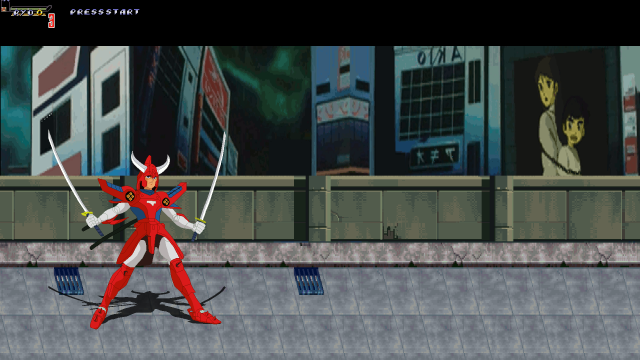


aL BeasTie
Well-known member
bWWd said:just write video 1920x1080 instead of video 1 or 5 or whatever.
sorry to bump,
Was just curious what version supports this?, I just tried with build 3742 and it says this in log
Code:
********** An Error Occurred **********
*            Shutting Down            *

Invalid video mode: 1920 in 'data/video.txt', supported modes:
0 - 320x240
1 - 480x272
2 - 640x480
3 - 720x480
4 - 800x480
5 - 800x600
6 - 960x540
EDIT:
okay was looking at the sourceforge page for latest version, so I guess the new builds aren't being uploaded there anymore?
works fine with build 3854
