
Frontier Force - New Sega Master System game!

O Ilusionista

Captain 100K
yOXnUv.gif

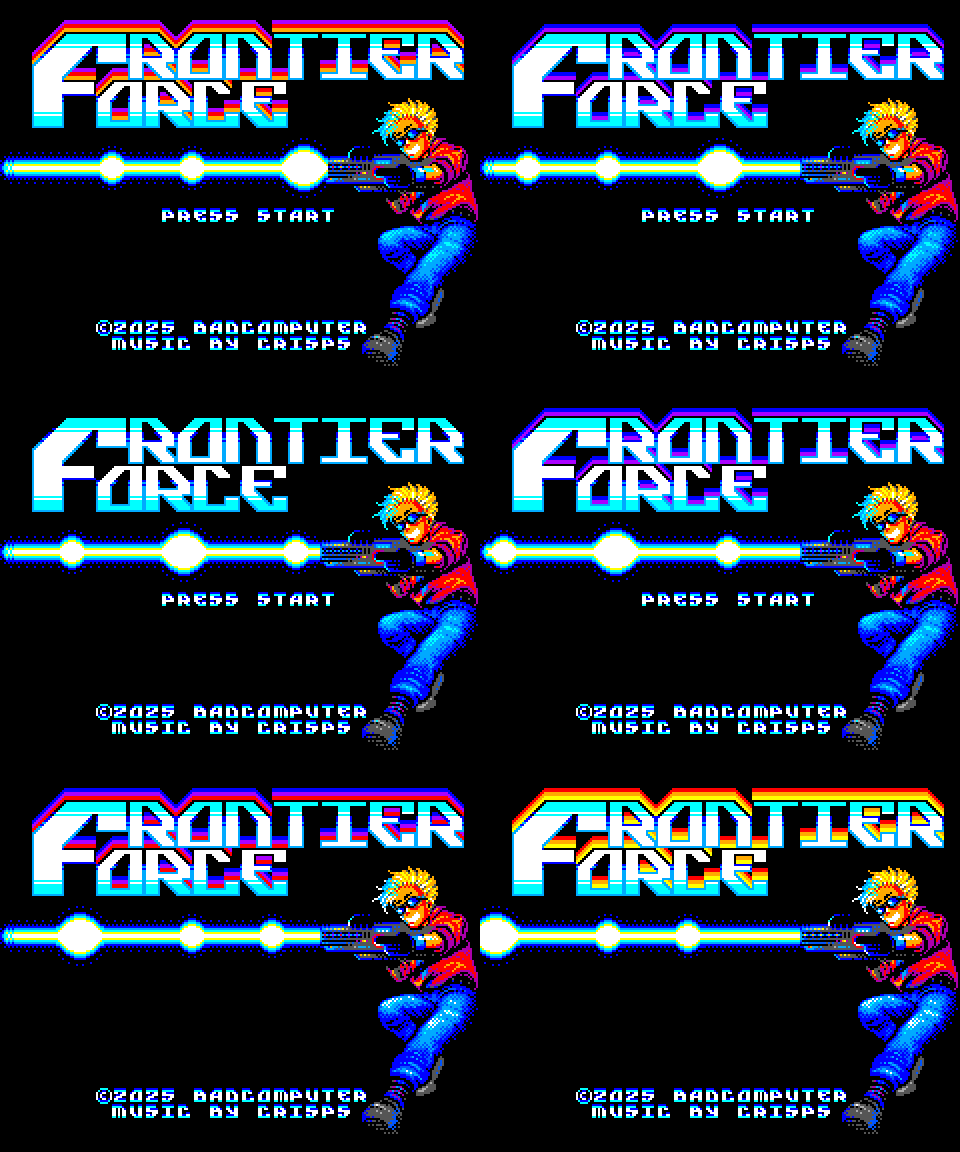
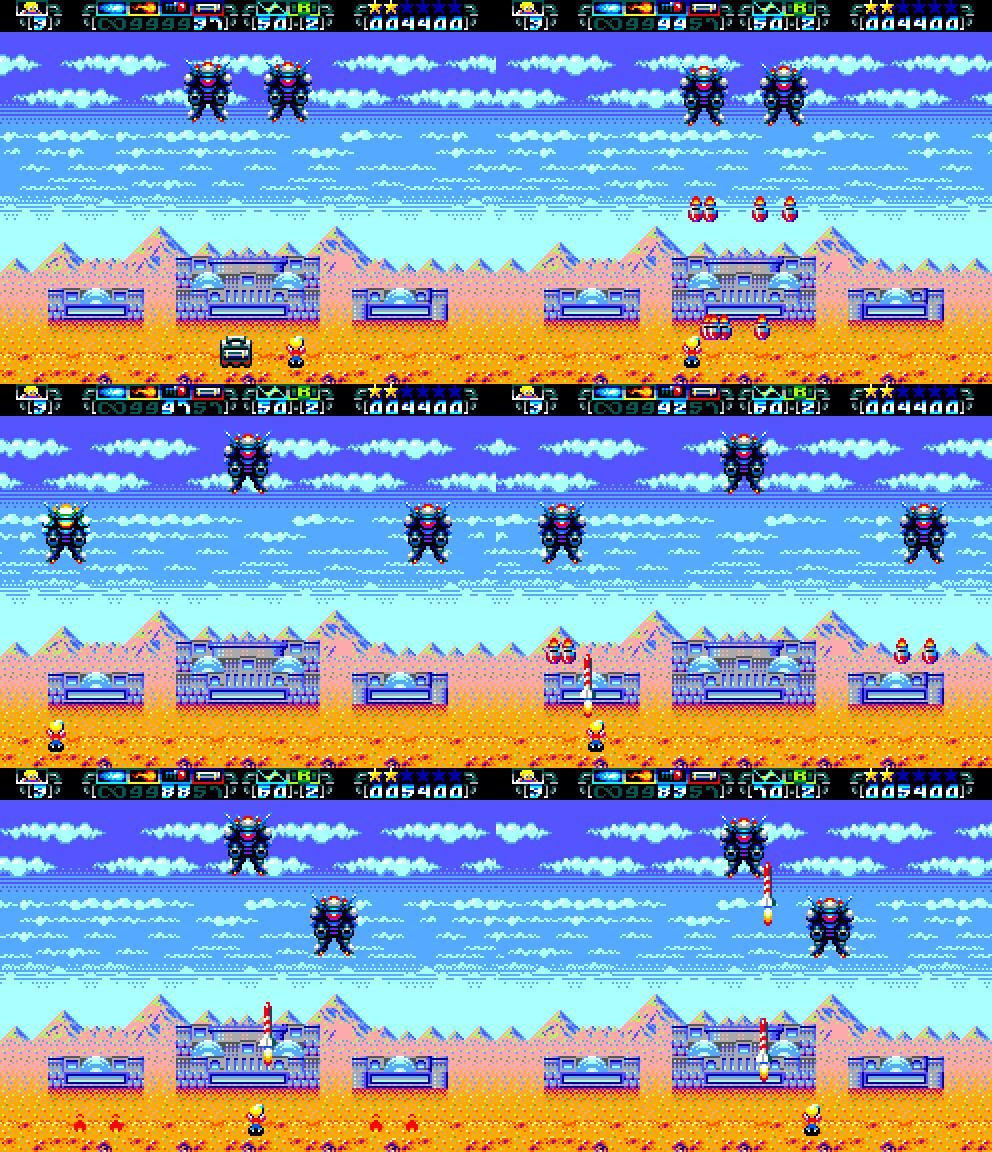
If you're looking for a challenge, you've just found it! And if I didn't tell you it's a Master System game, it would be hard to believe.Frontier Force is a game I've been following on Twitter for a while now and when I first saw it, I simply couldn't believe it was a Master System game! It's even better, graphically, than many early Mega Drive games, for sure.
yueoAb.gif


Full video and review
 
yOXnUv.gif

If you're looking for a challenge, you've just found it! And if I didn't tell you it's a Master System game, it would be hard to believe.Frontier Force is a game I've been following on Twitter for a while now and when I first saw it, I simply couldn't believe it was a Master System game! It's even better, graphically, than many early Mega Drive games, for sure.

yueoAb.gif


Full video and review

Graphics are very nice, and it looks like a really fun take on the Space Invaders theme. The Master System has a lot of potential - other than the lack of sprite flipping (WTF Sega?!), and its crappy sound chip.

DC
 
I also really like the color palette: it's really well used and it's dynamic. It's a bit of a shame that it's based on a well-known Space Invader style. Other than that, it looks good on screen 😊

I like the level's palette change, highlighting the passage of time. I wonder if it's possible to share a script on OpenBor that does this dynamically or using alternate palettes?
 
Last edited:
. I wonder if it's possible to share a script on OpenBor that does this dynamically or using alternate palettes?
its a simple "setpalette" setting on your stage. I did it on this stage, take a look:

While you can control it using scripts, on this case, I made it using only the native command.

other than the lack of sprite flipping (WTF Sega?!),
Yeah. Funny enough, you can flip bg tiles, but not sprite tiles...
 
Thank you so much for sharing your knowledge; I really appreciate the effort ;) .
This command will be very useful for simulating variations in indoor and outdoor environments :D
 
@kimono this is how I did:

1 - You need to setup the stage palettes, like this:
Code:
# Palette    filepath                                alpha1    alpha2    alpha3    alpha4    alpha5    alpha6
palette     data/bgs/greece/greececorridor.act      0         0         0         0         0         0
palette     data/bgs/greece/greececorridore.act     0         0         0         0         0         0
palette     data/bgs/greece/greececorridorf.act     0         0         0         0         0         0
palette     data/bgs/greece/greececorridori.act     0         0         0         0         0         0
palette     data/bgs/greece/greececorridorp.act     0         0         0         0         0         0
palette     data/bgs/greece/greececorridors.act     0         0         0         0         0         0

and set the first palette to be active:
Code:
setpalette 1
at 0

2 - Then you just call the palette at the specific stage position:

#--------------------------------- WAVE 1 - E
wait
at 480

group 4 4
at 480

setpalette 2
at 480
 
Back
Top Bottom