
You are using an out of date browser. It may not display this or other websites correctly.
You should upgrade or use an alternative browser.
You should upgrade or use an alternative browser.
Solved Resize training room stage
- Thread starter Grit
- Start date
Question that is answered or resolved.
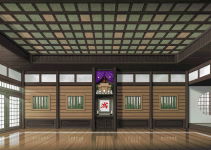

You don't.
It's mathematically impossible to resize a bitmapped image without quality loss. What you can do is employ different algorithms to mitigate the loss into something more acceptable for your purposes, and if needed clean it up by hand afterward.
What I would do is resize it to 480 horizontal with a Bicubic algorithm and constrained aspect ratio. That will give you 480*342. Then I would crop the ceiling area to get vertical down to 276. Save it with palette that ensures the first color isn't used. Again, it won't be perfect - that's simply not possible, but it shouldn't be too bad. Here's a super quick one I did.

HTH,
DC
*Edit: * by @danno.
It's mathematically impossible to resize a bitmapped image without quality loss. What you can do is employ different algorithms to mitigate the loss into something more acceptable for your purposes, and if needed clean it up by hand afterward.
What I would do is resize it to 480 horizontal with a Bicubic algorithm and constrained aspect ratio. That will give you 480*342. Then I would crop the ceiling area to get vertical down to 276. Save it with palette that ensures the first color isn't used. Again, it won't be perfect - that's simply not possible, but it shouldn't be too bad. Here's a super quick one I did.
HTH,
DC
*Edit: *
by @danno.
Last edited:

oldyz
Well-known member
@Grit , there are some AI assisted programs that have been used to "upscale" silent films and old photographs to 4k resolution:
for the emulation scene the results have been divisive
since some consider that the process relults in soul-less recreations.
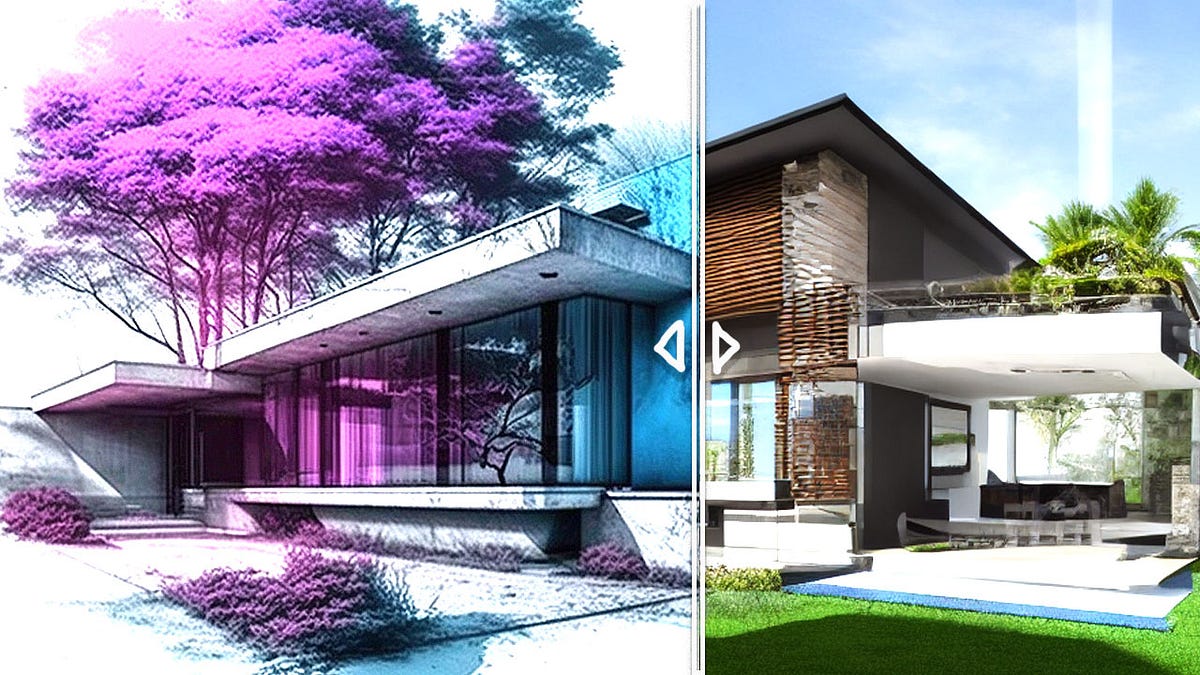
certainly this stage can be re-rendered using AI and it can even make it more realistic,
 evartology.substack.com
or make it a tripple filtering process, make it realistic and then go back and give it 16 bit style (i ignore which tool is best)

 prompthero.com
since some consider that the process relults in soul-less recreations.
certainly this stage can be re-rendered using AI and it can even make it more realistic,
Sketch to Photo. New AI Art Generator for Architects, Designers, and Sketchers
Transform Your Sketches into Photos with AI! Watch Your Imagination Come to Life with This Incredible NEW FREE Sketch to Image AI Generator
evartology.substack.com
or make it a tripple filtering process, make it realistic and then go back and give it 16 bit style (i ignore which tool is best)
Best 16 bit Midjourney Prompts | PromptHero
Find the best 16 bit prompts for Midjourney AI model. Browse, search and discover high-quality prompts.
prompthero.com
Last edited:


Grit
Well-known member
Super quick he says by pulling it off without a hitch!
The ceiling have enough to cut away but getting the full width was my issue.
The picture below was my attempt at it but I lost the both sides that include the door!
I really don't mind putting the work in, my concern is that I don't know what goes where or how to apply it come to certain parts Openbor like level design but your wiki really me a lot.
I feel know enough of the basics to get characters going.
Thanks
