
You are using an out of date browser. It may not display this or other websites correctly.
You should upgrade or use an alternative browser.
You should upgrade or use an alternative browser.
Run .pak games from sd on android?
- Thread starter tallpr24
- Start date

i found this , but the game list show up empty

 gbatemp.net
[Release] OpenBOR for 3DS
If only there was a way to make a standalone CIA, with the pack inside it... Maybe through RomFS or something? That's easy. It will be possible, eventually. I still have a few other priorities, but it's on the to-do list.
gbatemp.net

@tallpr24 In case the OpenBOR app is fully installed inside the SD card (not only the applications, paks too), it must work normally. I found a step by step related to Android for you.dont have much room on my device, any way to have openbor read the games from sd rather than from internal storage?
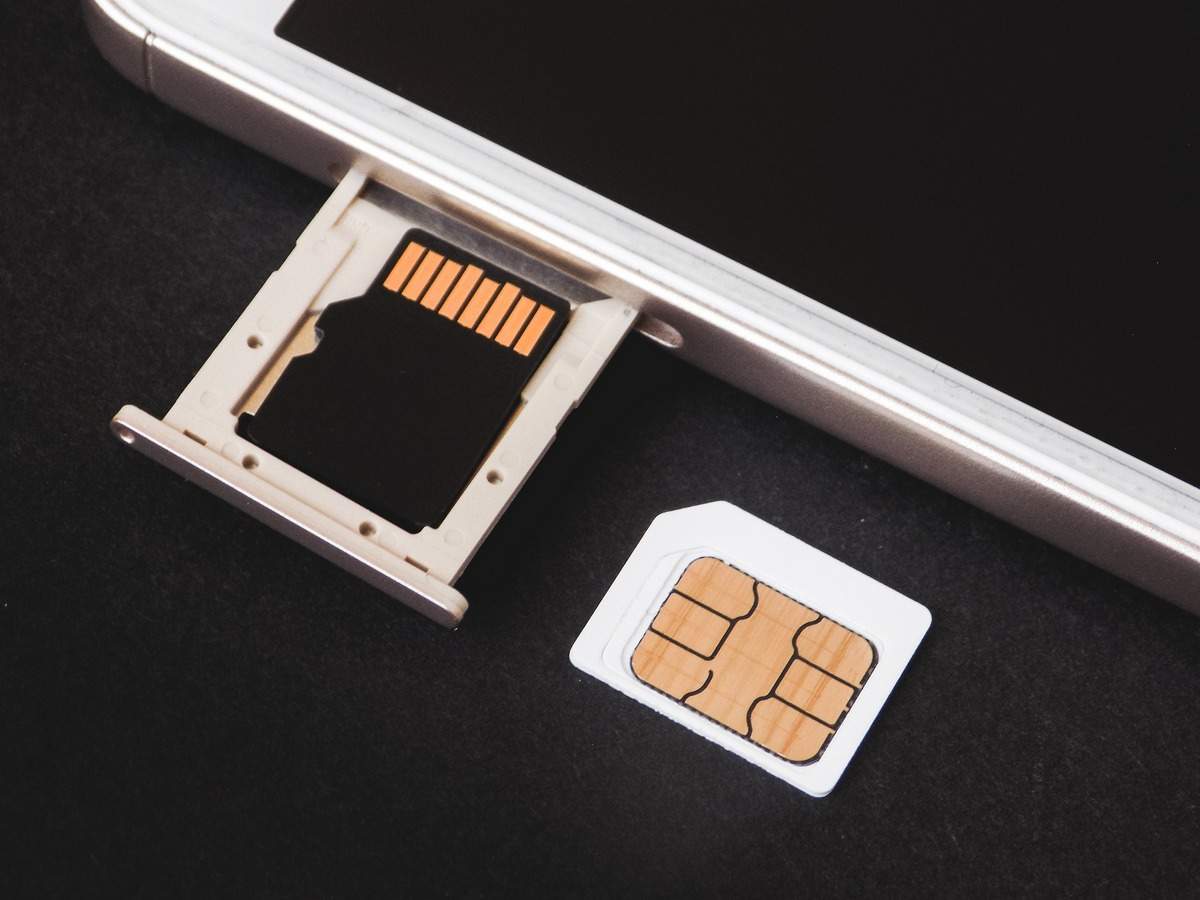
Here’s how to move apps to SD card on Android
Most smartphones these days are launched with plenty of storage without an option to insert a microSD card. A few smartphone makers however allow users to
 www.businessinsider.in
i don't want to that, if you do that the sd card cannot be read out side the phone. since this device is used to run all sorts of roms, this will break the ability to remove the sd card and copy roms from pc, additionally doing that formats your sd card and i will loos the 1 tb of data i already have there.

Adding support for the SD is something I would love to do in the future but right now I am too busy.
If your phone is rooted you should be able to symlink to another folder. This is not something I have confirmed its just a thought off the top of my head.
If your phone is rooted you should be able to symlink to another folder. This is not something I have confirmed its just a thought off the top of my head.

oldyz
Well-known member
you mean one of these?its an odyn device
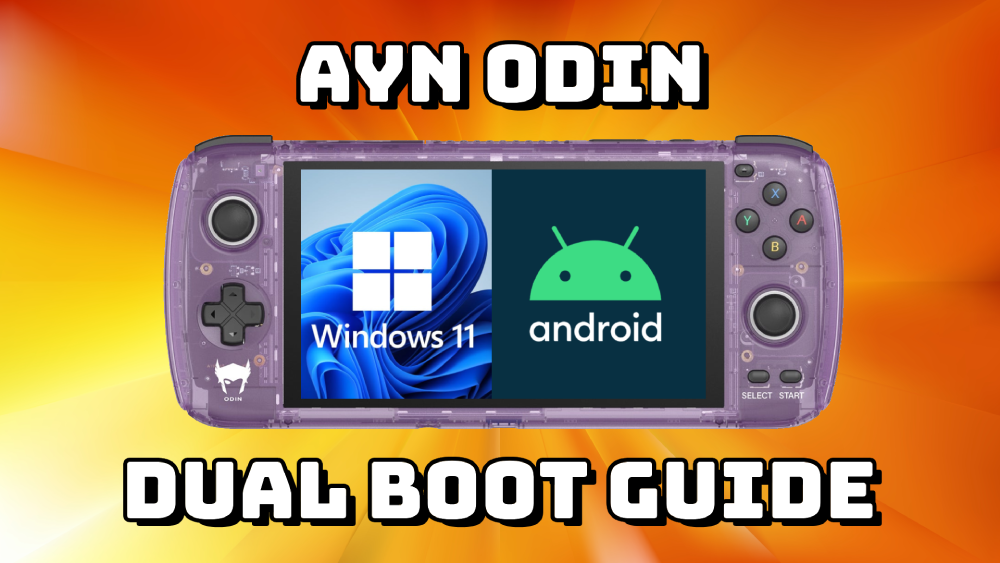
those are a bit of a different animal from an android phone, but it may have some advantages and you may be able to use "links"
Last edited:
oldyz
Well-known member
that is weird, i have some androids where the openbor application was able to be migrated to SDi don't want to that, if you do that the sd card cannot be read out side the phone. since this device is used to run all sorts of roms, this will break the ability to remove the sd card and copy roms from pc, additionally doing that formats your sd card and i will loos the 1 tb of data i already have there.
like this:
, and had no problem reading the card at all, either by pluging it in directly to the pc or using a data USB cable.
one of the androids even allowed to choose where to install openbor
the problem might be that the paks folder might be located on the phone storage itself even after migrating the openbor app
what you can try is installing the openbor app from scratch again, choose the SD, then browse your "files" using the pc or the files app on your phone to see where the paks folder ends up.
if the paks folder turns out to be on the phone itself after this new installation, you might want to search for a way to use "links" or link type files (aka direct access files like in windows) -
for example, in batocera linux your snes roms folders does not necessarly have to have any roms in it, but it can have links to files on an external usb.
(a similar system)
ther are ways to run some windows games on android too
Running old Windows games on Android? | Video Games Open
I know that there are a couple of ways to run older Windows games on Android, and I was just curious what experiences people have had doing so. See, I'm thinking about what sorts of things that a person might do with an AYN Odin handheld, and it occurred to me that this was one possible use. So...
 forum.rpg.net
Last edited:
No, you cannot directly create or use symbolic links on a non-rooted Android device because the necessary permissions to modify the file system at that level are restricted to the root user; a non-rooted user lacks the required access to create symbolic links.
I was trying to update the android port but i need help from sx have to try to find some time to work on this.