

One of the most frustrating parts of building an OpenBOR module is digging through folders to find files that are no longer used - or leaving them in place and letting the project fill up with junk.
This tool scans your entire data directory, identifies files that are not referenced anywhere in the project, and lets you remove them quickly. Work files, leftover images, Windows thumbs.db, and other unused assets can all be cleaned up in one pass.

Download and extract the executable. It does not need to be placed in any specific folder.
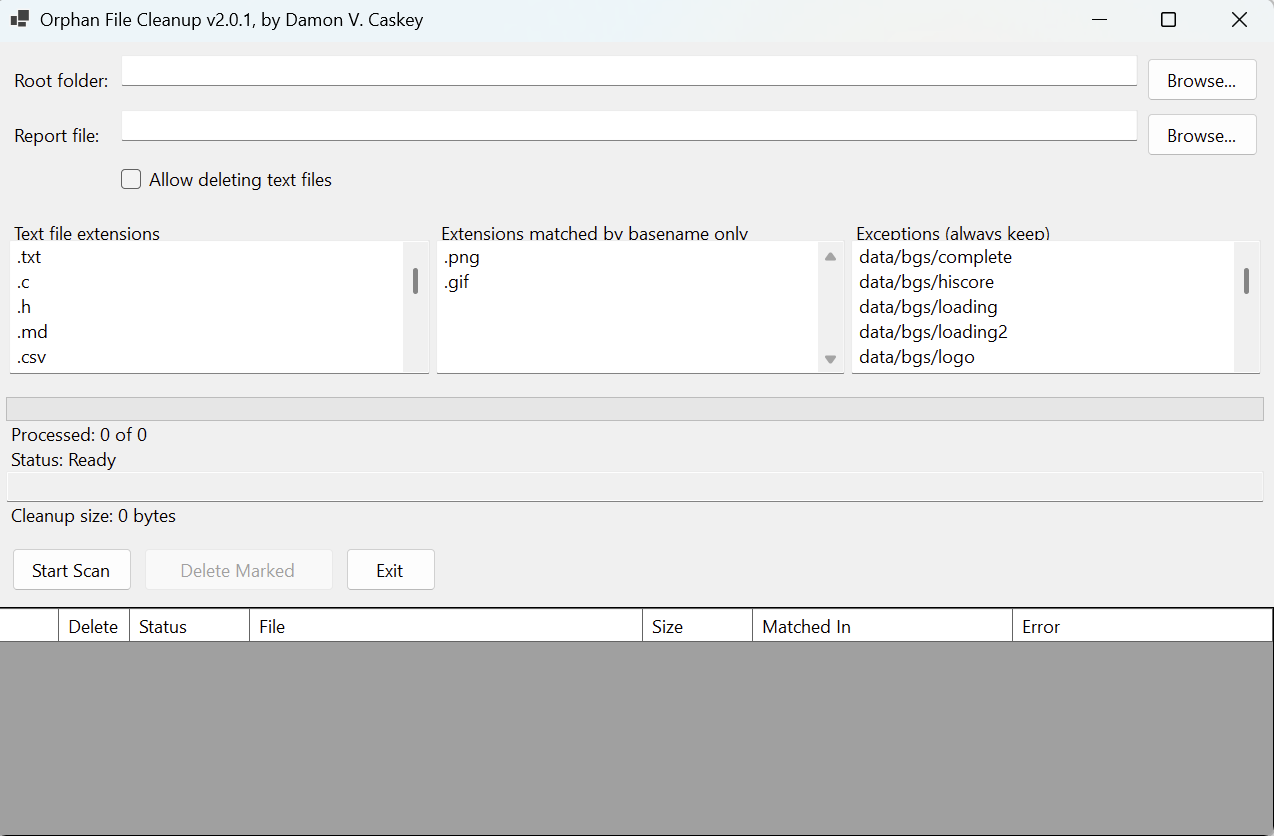
Run the .exe file. Since this is a self-published application, your operating system may show a warning before launch. If you trust the source, choose to continue. You should then see this:
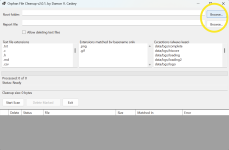
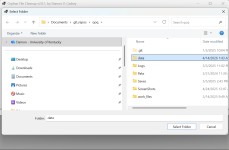
You can also adjust the search settings if needed. If you are unsure, leave them at the defaults. They are fine for most projects.
Click Delete Marked to remove all files marked delete. The report will also be updated with the list of deleted files.
Done - your directory is now cleaned of unused files.
This tool scans your entire data directory, identifies files that are not referenced anywhere in the project, and lets you remove them quickly. Work files, leftover images, Windows thumbs.db, and other unused assets can all be cleaned up in one pass.
Getting started
Make a backup of your project before using the tool. You should already be doing that anyway.Download and extract the executable. It does not need to be placed in any specific folder.
Run the .exe file. Since this is a self-published application, your operating system may show a warning before launch. If you trust the source, choose to continue. You should then see this:
How to use it
Use the Browse buttons to select:- your target folder - usually the data folder
- the location and file name for the report
You can also adjust the search settings if needed. If you are unsure, leave them at the defaults. They are fine for most projects.
Search settings
- Text file extensions - These are the file types the tool will scan for references. OpenBOR mainly uses .txt, .c, and .h, though the tool can search additional file types as well.
- Allow deleting text files - Text files are ignored by default, since they are usually part of the game or project documentation. Enable this only if you know you want them included.
- Basename only - Files with these extensions are matched by filename only, without the extension. This helps support modules that reference image files without including the extension.
- Exceptions - These are files the tool will ignore. The default list includes OpenBOR’s built-in internal references.
Results
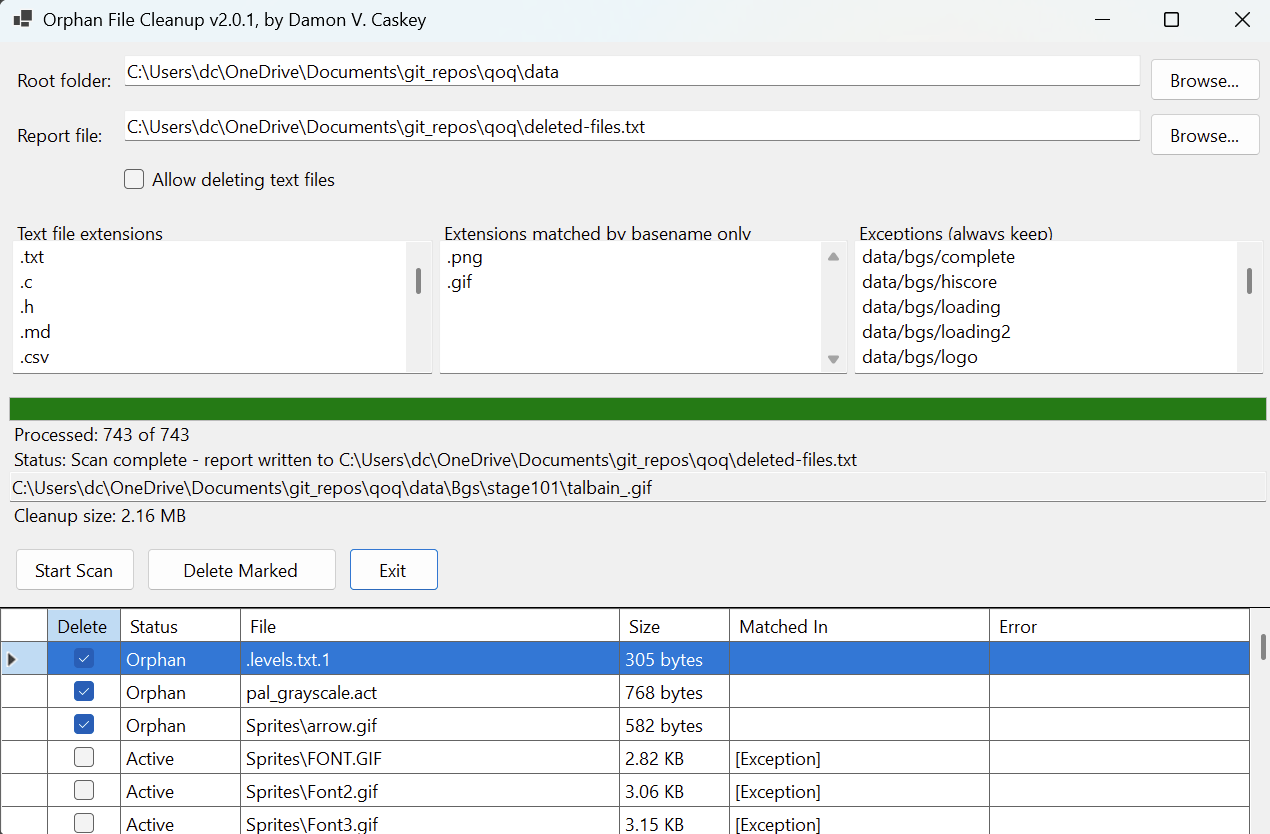
Results appear as a grid table. Click on any header to sort results by that column in ascending order. Click the same header again to sort in descending order.- Active - Assets referenced by a text file and considered in use.
- Orphan - Assets with no detected reference.
Click Delete Marked to remove all files marked delete. The report will also be updated with the list of deleted files.
Done - your directory is now cleaned of unused files.


