Advanced How to Play Screen

tightninja

Member
Is there a way to create a how to play screen with several graphic files? Preferably one that acts like an entity with freespecials so that you can scroll through it via d pad and attack buttons I am sure there may be a post about this already but I cannot find it on the forum.

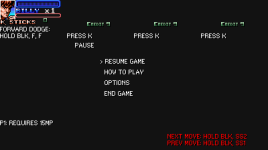
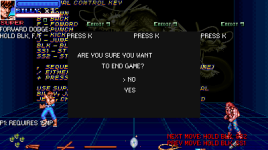
I am also curious if someone has figured out how to make a "Tekken/ Virtua Fighter" style tutorial training mode that prompts shows you how to performs attacks. When the player successfully executes the attack, the next input shows on the screen.
 
Is there a way to create a how to play screen with several graphic files? Preferably one that acts like an entity with freespecials so that you can scroll through it via d pad and attack buttons I am sure there may be a post about this already but I cannot find it on the forum.

Nothing special about that at all. It would just be any normal level stylized into a how to play screen with the players invisible and skipping character select.

I am also curious if someone has figured out how to make a "Tekken/ Virtua Fighter" style tutorial training mode that prompts shows you how to performs attacks. When the player successfully executes the attack, the next input shows on the screen.

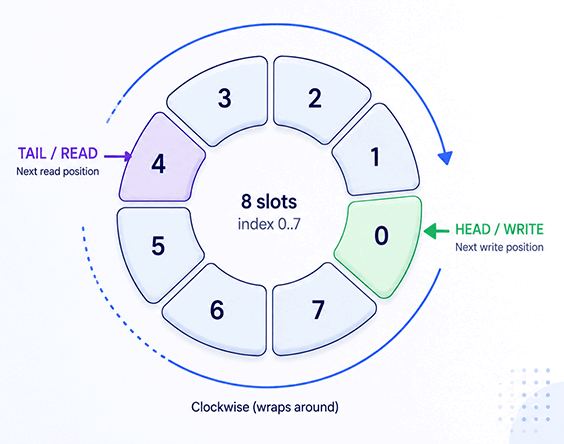
Figured out? Sure. You'd use a ring buffer to record the commands and check them against whatever the player is supposed to be doing. Meanwhile, you also parse that ring buffer and display a rolling command readout to the screen. That's how those games work already work. As for actually doing it, I don't think anyone has bothered. The closest would be @dantedevil's Mortal Kombat project. It doesn't display commands, but does walk you through moves.


DC
 
Back
Top Bottom